Carbitlink
Smart Upgrade Solutions for Chinese Cars
- …


Carbitlink
Smart Upgrade Solutions for Chinese Cars
- …

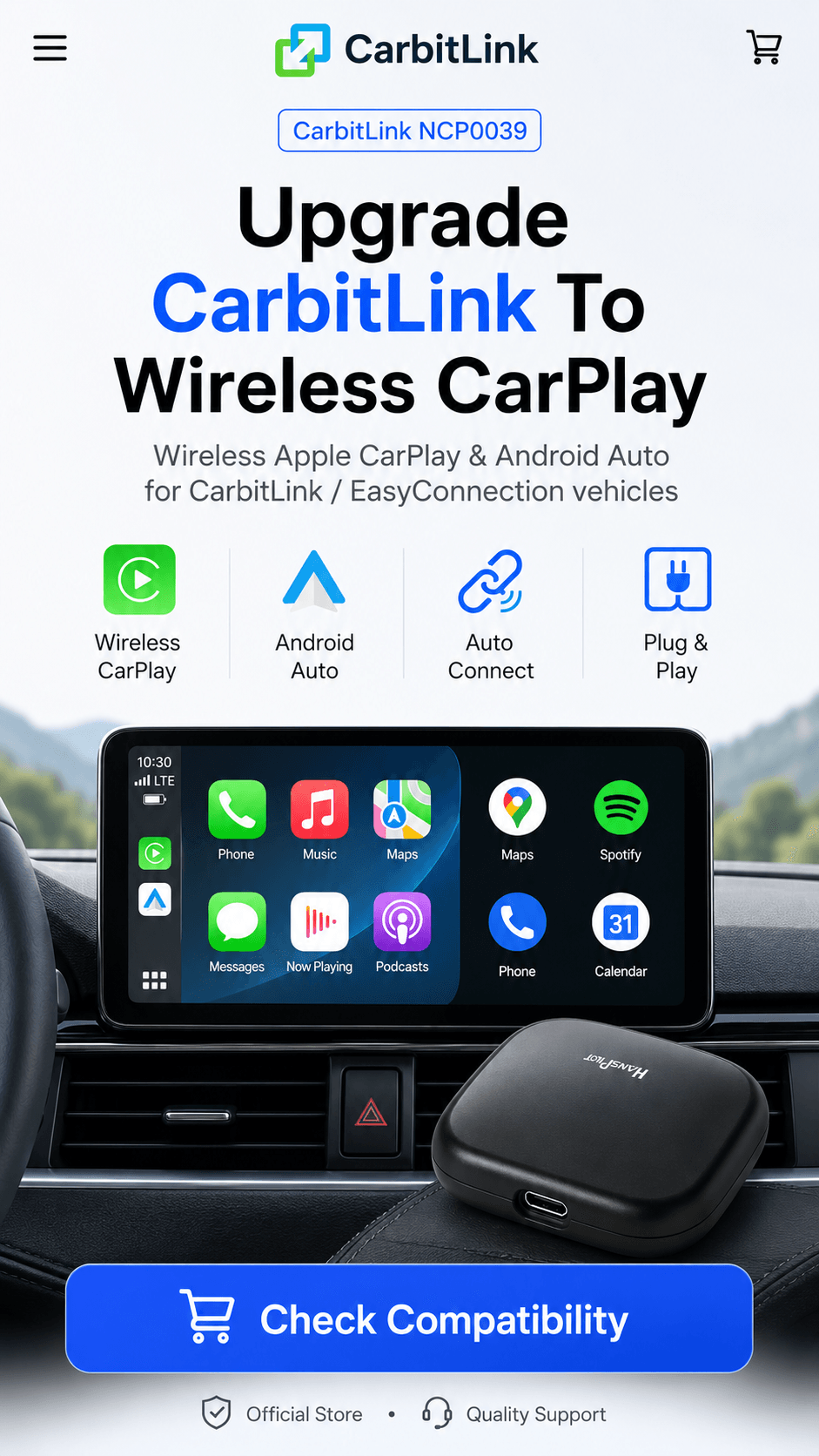
What’s NCP0039?
A wireless adapter designed for vehicles with CarbitLink or EasyConnection.
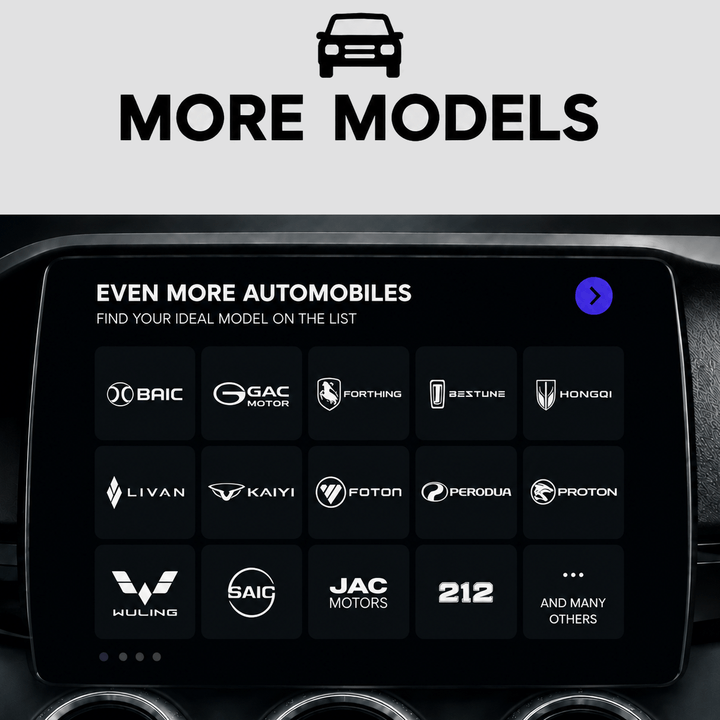
Compatible with Popular Chinese Cars
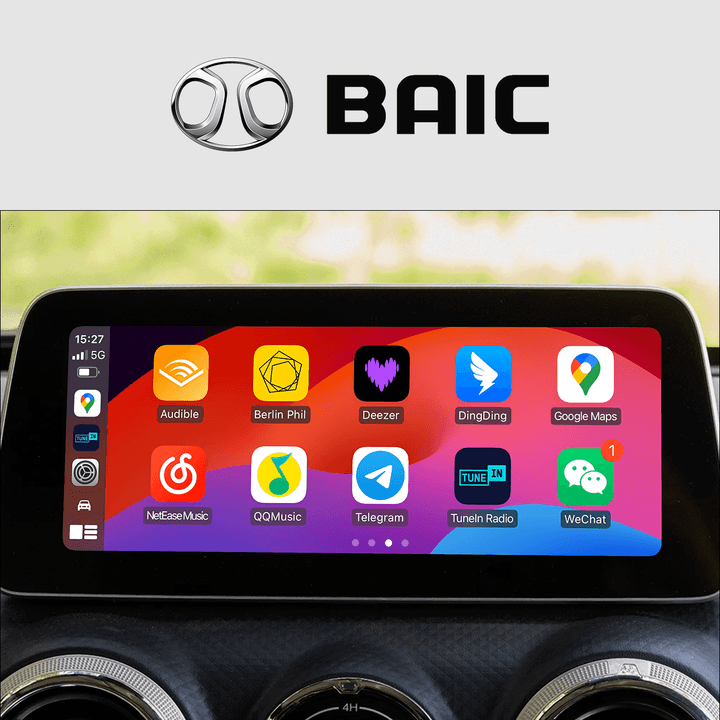
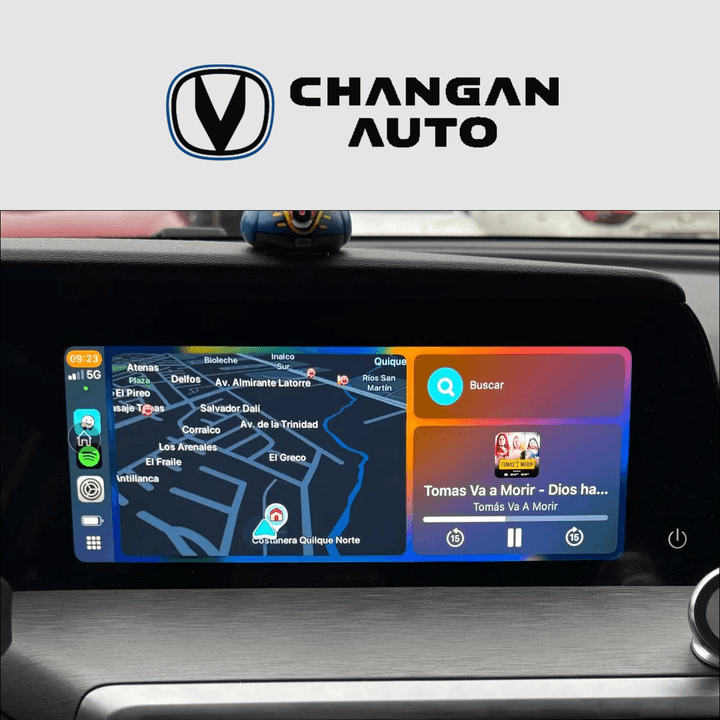
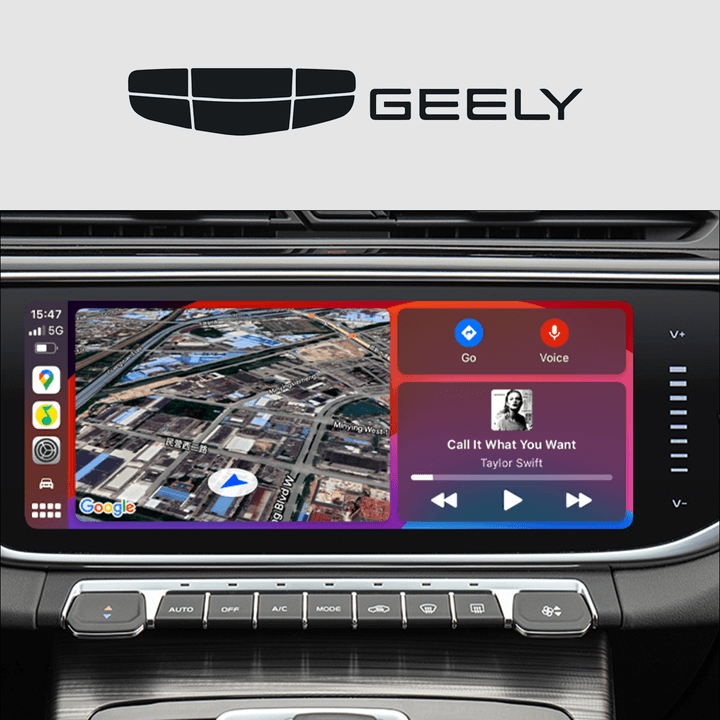
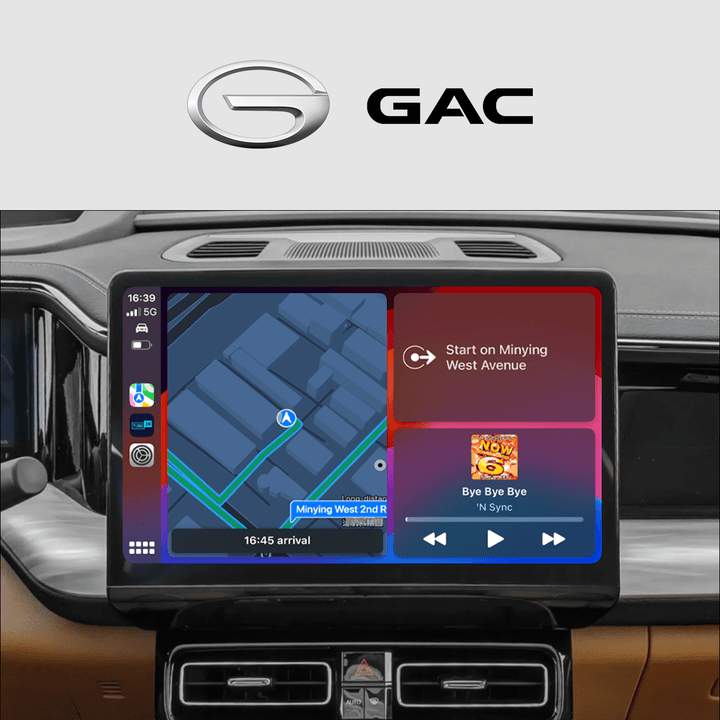
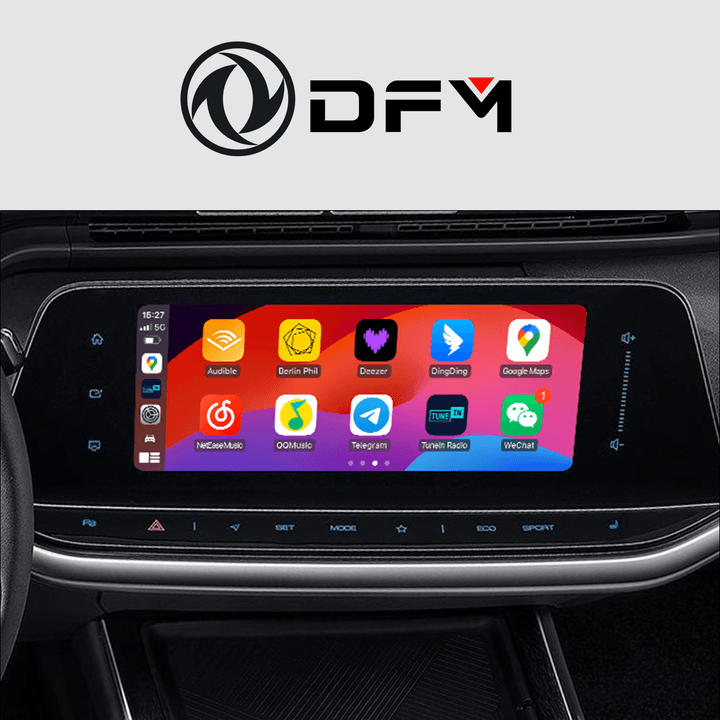
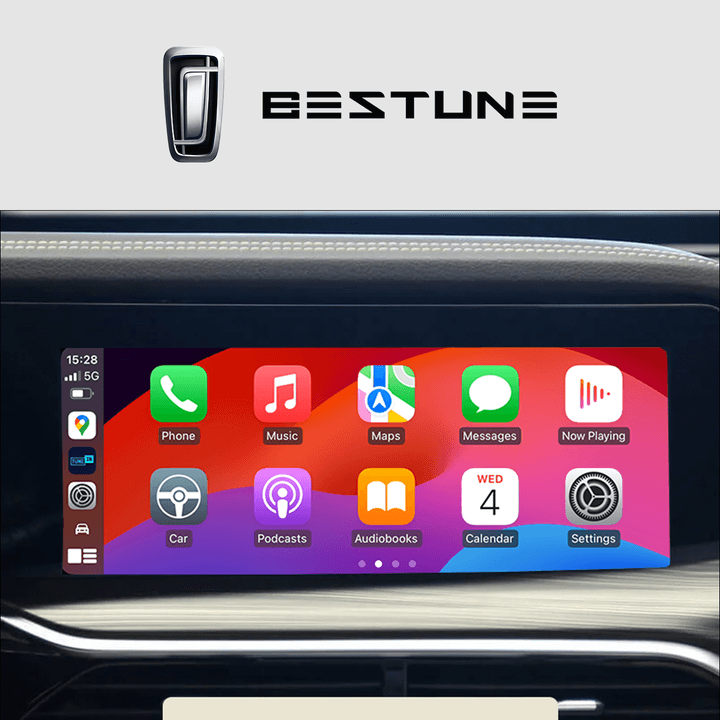
Professional upgrade solutions for Geely, Jetour, Changan, BYD, GAC and 100+ Chinese and Asian Car Models
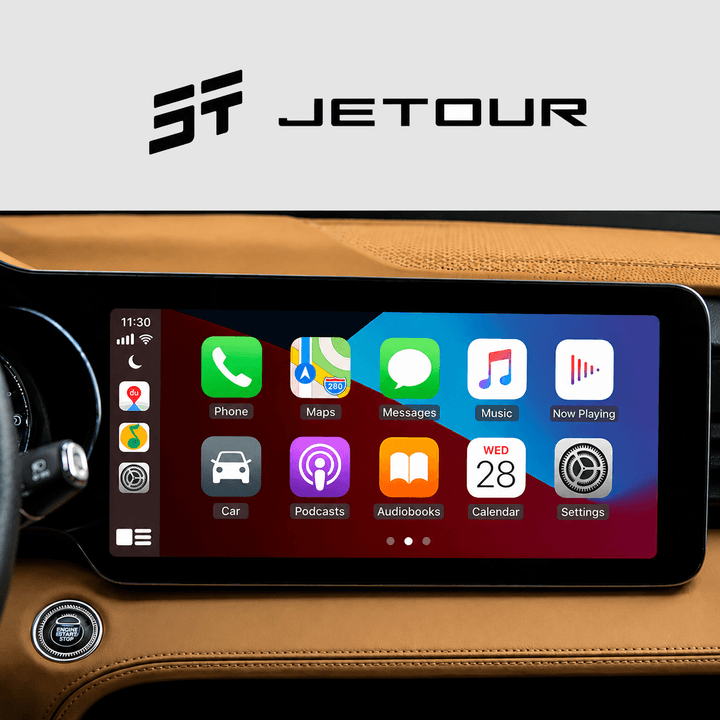
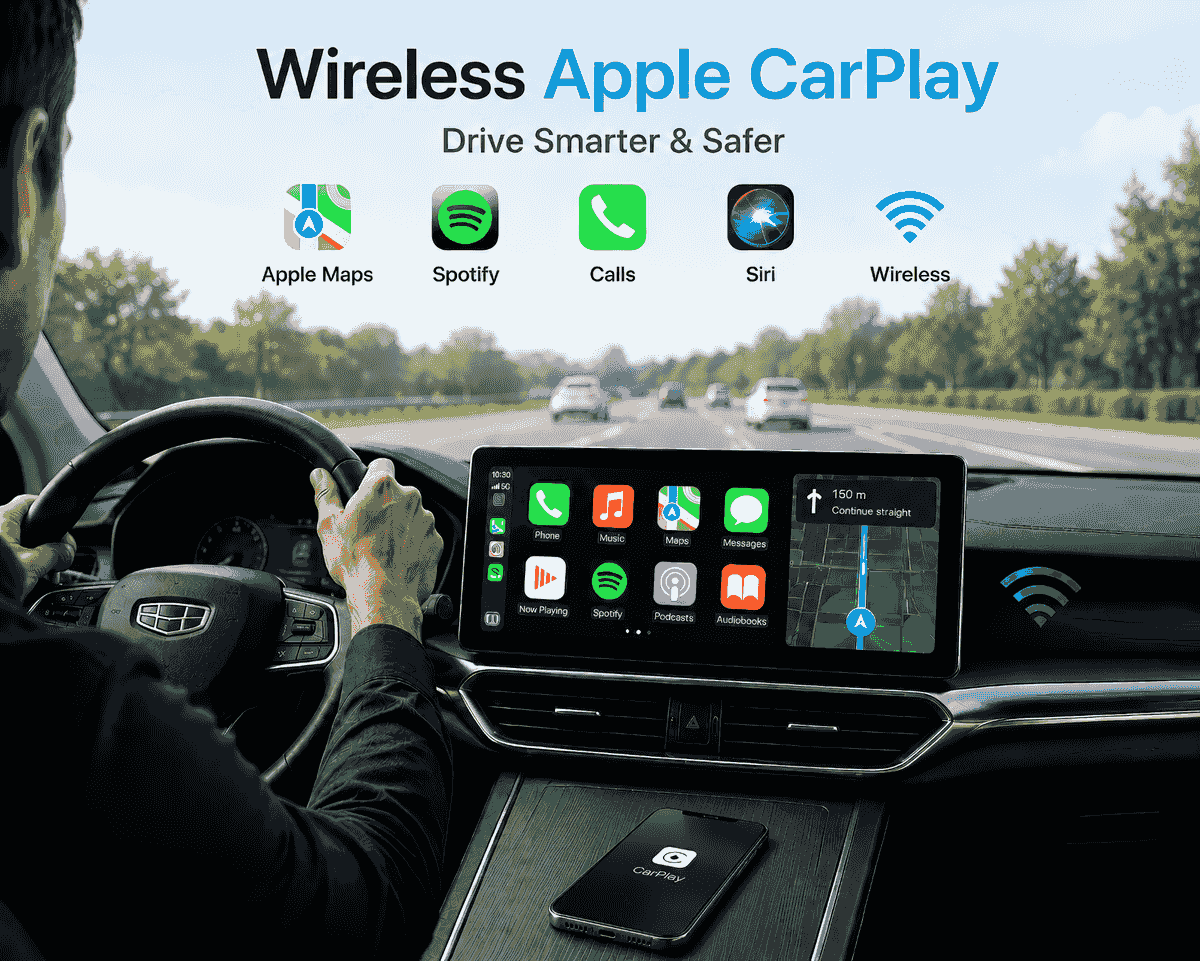
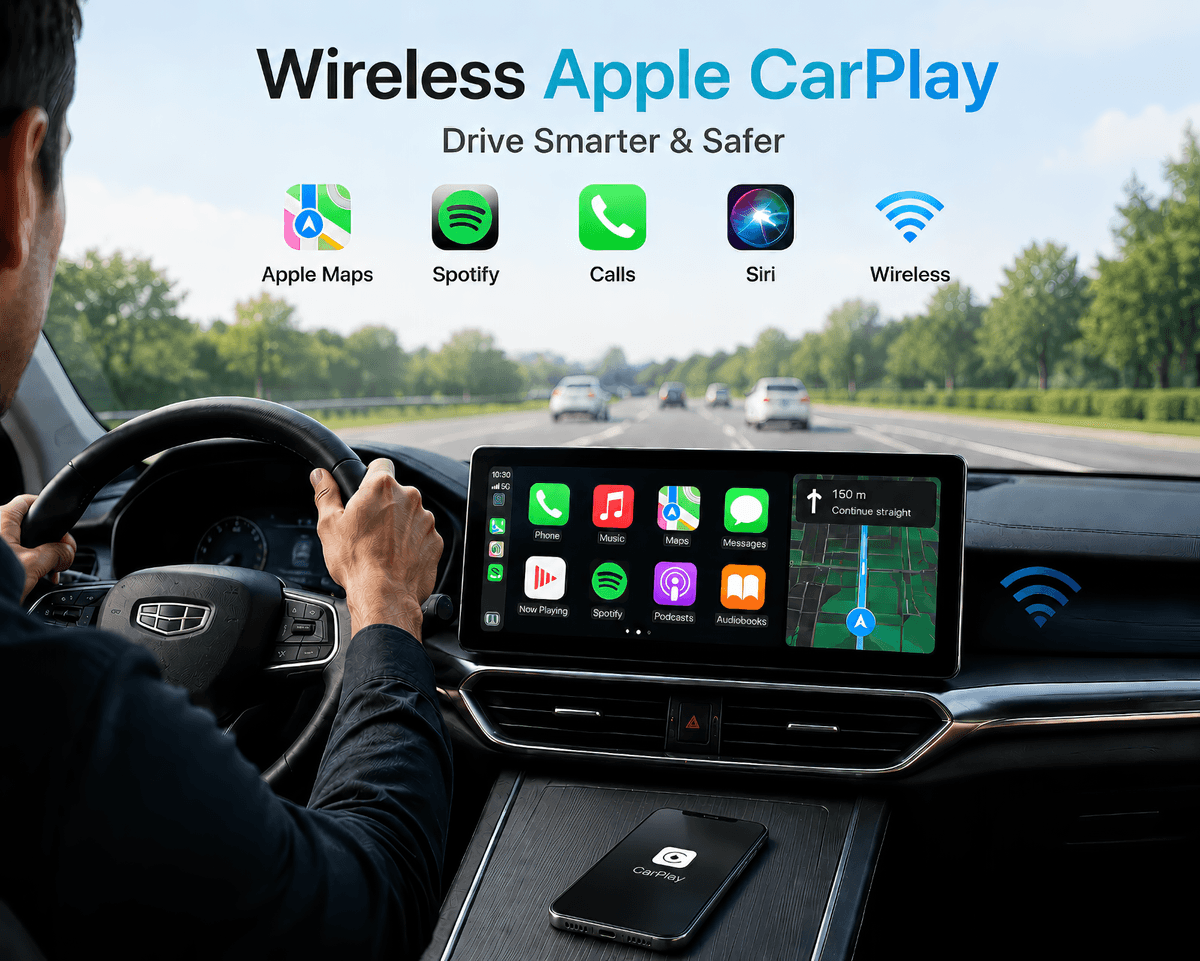
Wireless Apple CarPlay
Use your iPhone on the original car screen without cables.
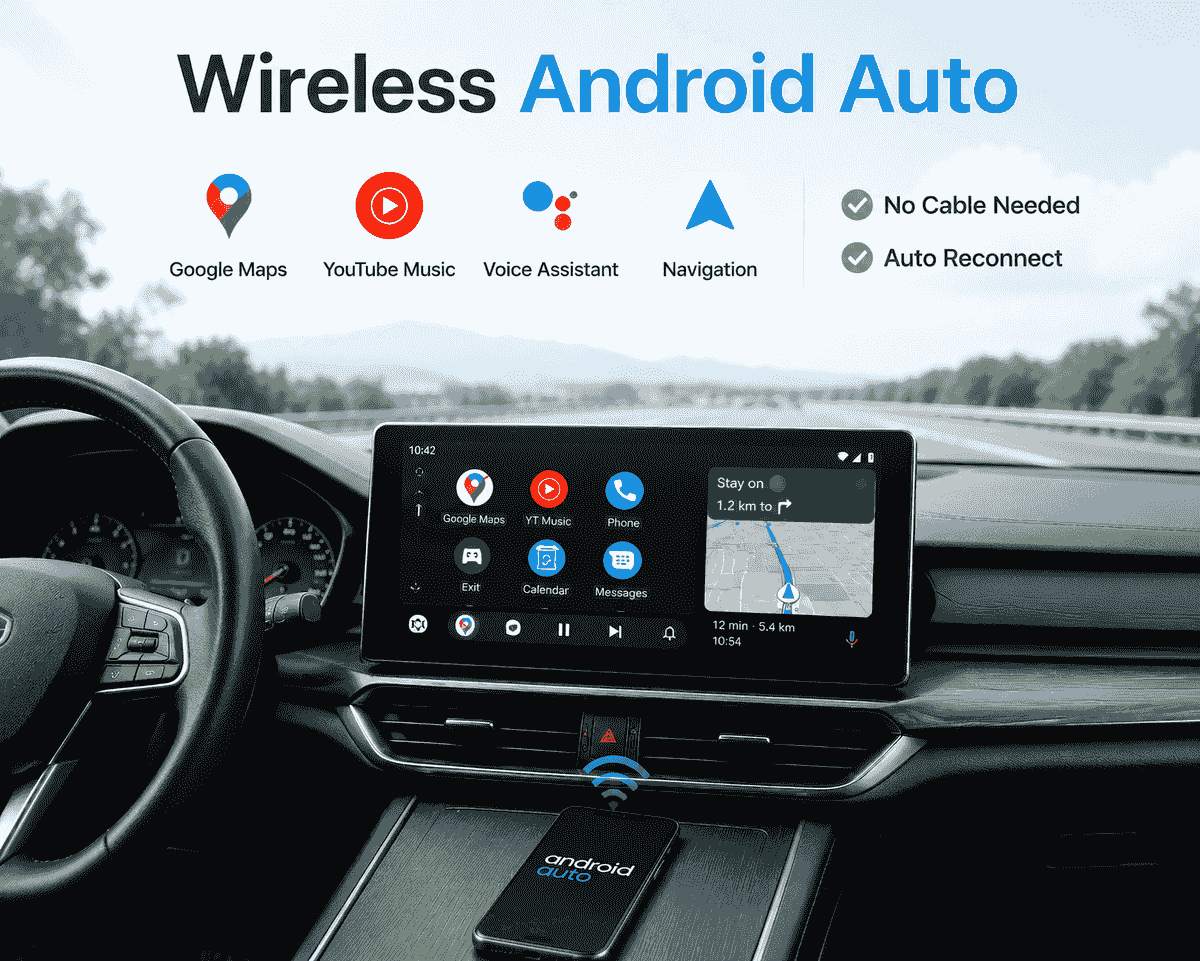
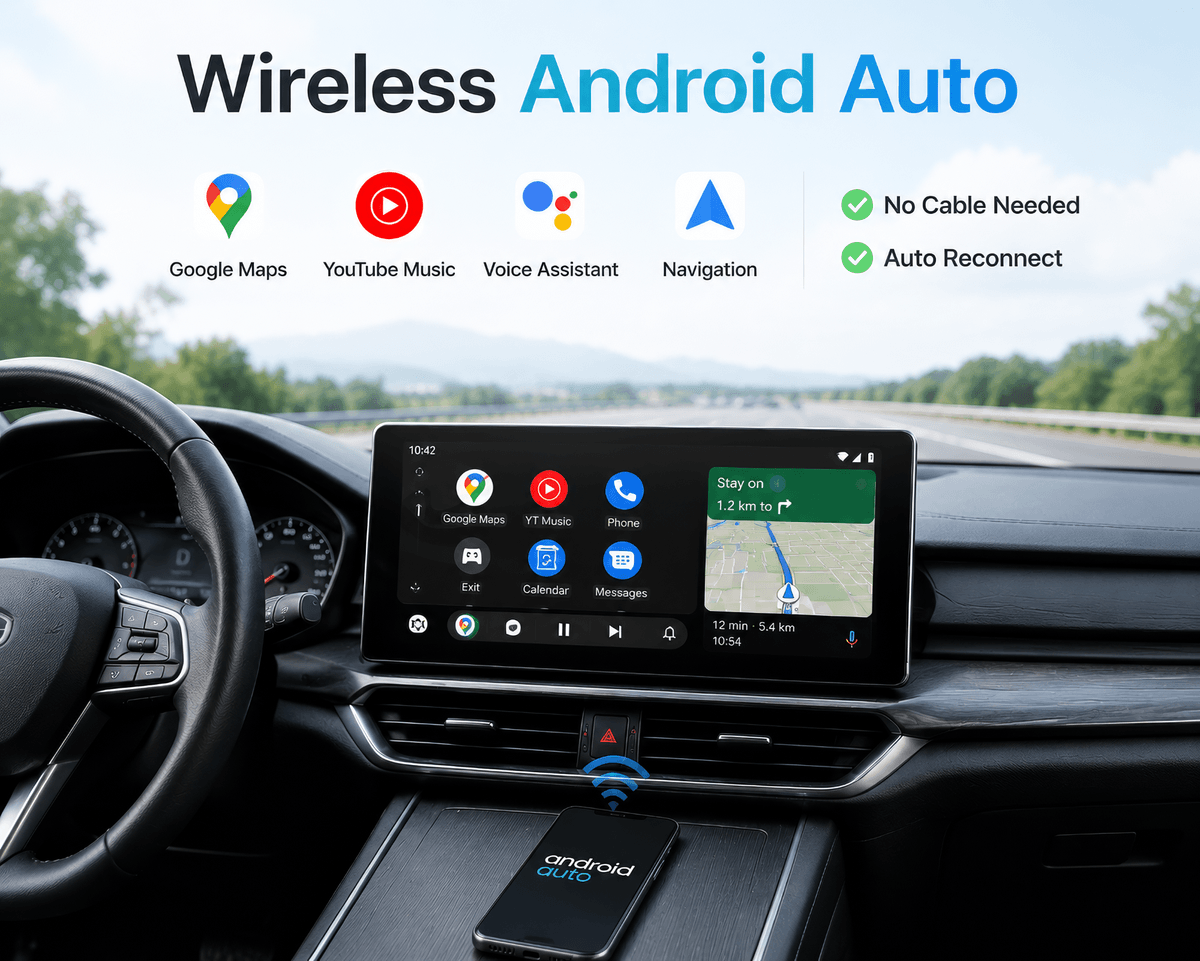
Wireless Android Auto
Connect your Android phone wirelessly to your car screen.
The Advantage of NCP0039

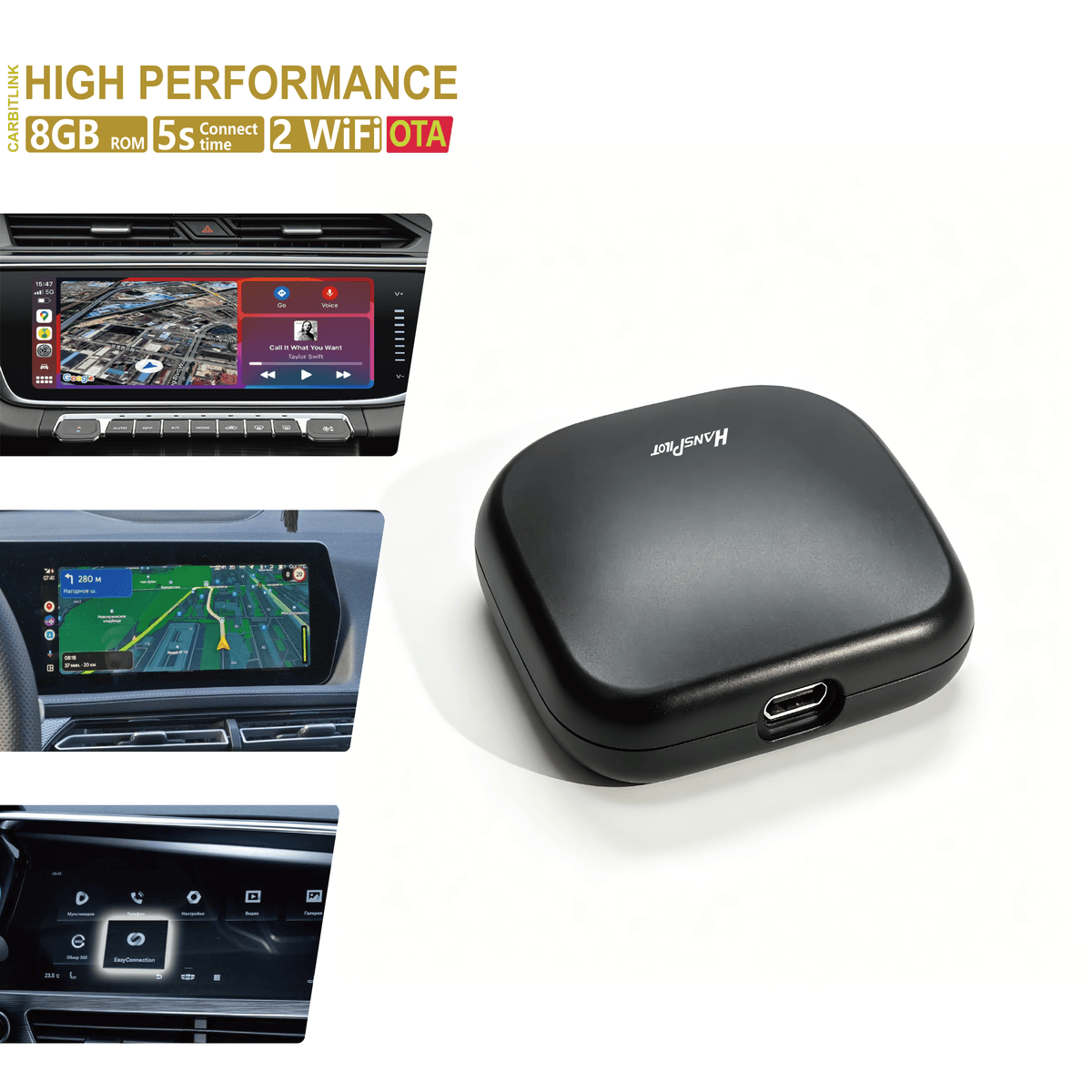
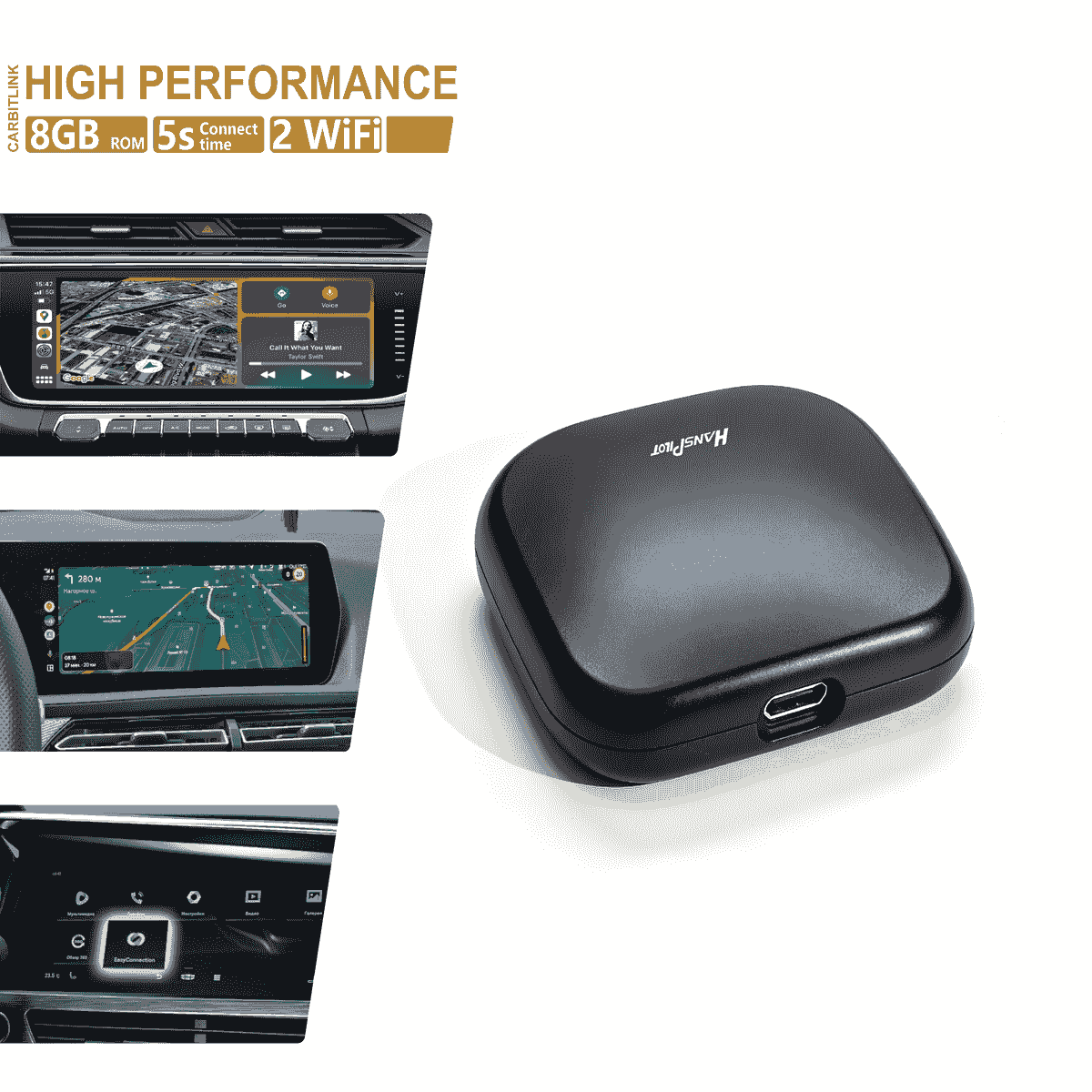
8GB ROM
we upgrade new 8GB ROM to boost the speed and stability of the product

3 seconds connection
With continuous software evolution and hardware upgrades, adapter's hot start link time is only 3 seconds, and power off and on startup is 17 seconds

2 WiFi 2.4G / 5G
Dual Wi-Fi is the equivalent of widening the road into two lanes, allowing more data to be transmitted simultaneously and reducing network congestion.

OTA update
Users can quickly experience the new system's function optimization and performance enhancement through OTA, which can remotely fix software faults, add new functions, optimize the user interface, and improve the stability of operation for the users.
FAQs
What vehicles are compatible with this adapter?
This adapter is designed for vehicles with the factory CarbitLink or EasyConnection app on the original car screen.
Before purchasing, please check your car screen and make sure you can find CarbitLink or EasyConnection in the original system.
Compatible system:
- CarbitLink
- EasyConnection
Not compatible:
- Car-Link
- Car Auto
- Car Global
- QDlink
- Original wired CarPlay only
- Original wired Android Auto only
- Aftermarket Android head units without CarbitLink or EasyConnection
Is this adapter compatible with all cars?
No. This adapter is not universal.
It only works with vehicles that already have CarbitLink or EasyConnection installed in the original car system.
If your car does not have CarbitLink or EasyConnection, the adapter will not be recognized.
Does this adapter add wireless CarPlay and wireless Android Auto?
Yes. After connecting the adapter to the original USB port, it can upgrade the original CarbitLink / EasyConnection system to wireless Apple CarPlay or wireless Android Auto.
No screen replacement is required.
Is it plug and play?
Yes. Installation is simple:
- Plug the adapter into the original car USB port.
- Connect your phone to the adapter’s Bluetooth.
- Wait for the wireless CarPlay or Android Auto interface to start.
- For sound output, please connect your phone to the car’s original Bluetooth if required.
Why do I need to connect the car’s original Bluetooth for sound?
Some CarbitLink / EasyConnection systems use the car’s original Bluetooth channel for audio output.
If there is no sound after connecting the adapter, please connect your phone to the car’s original Bluetooth for music, calls, and navigation audio.
This is normal for some vehicles and does not mean the adapter is defective.
Steering wheel Control Support?
Basic steering wheel controls may work depending on the original car system, but compatibility is not guaranteed for all vehicles.
Functions such as volume control, next/previous track, and voice button behavior depend on the car’s original system.
Does it support Hey Siri or long-press voice control?
Some vehicles support long-press voice activation such as Hey Siri through the original CarbitLink / EasyConnection system.
This depends on the car system and phone compatibility.
Does it support Hey Google or long-press voice control?
Some vehicles may not support long-press voice activation such as Hey Google through the original CarbitLink / EasyConnection system.
This depends on the car system and phone compatibility.
Does it support YouTube, Netflix, or installing apps?
No. NCP0039 is not an Android AI Box.
It is a wireless CarPlay / Android Auto adapter for CarbitLink / EasyConnection vehicles.
If you need YouTube, Netflix, APK installation, or a full Android system, please choose our Android AI Box model instead.
What phones are supported?
For Apple CarPlay:
- iPhone with iOS 10 or later
For Android Auto:
- Android phone with Android 11 or later is recommended
- The phone must support Android Auto
Some Android phone models or car systems may have different display ratios or compatibility behavior.
What should I do before buying?
Please check the following:
- Your car screen has CarbitLink or EasyConnection.
- Your car has the original USB port.
- Your phone supports Apple CarPlay or Android Auto.
- If you are not sure, please send us photos of your car screen and system menu before purchasing.
What benefits after activation ?
The ultimate copilot.
- Partial Localization of car multimedia for the Chinese market;
- Automatic connection;
- Phone in your pocket or bag - does not require the use of a cable to connect to your car;
- Provides ease of use of CarPlay / Android Auto ;
- Calls, SMS, contact list - always on the car radio screen;
- Listening to music from your phone on your radio;
- Install any compatible applications with CarPlay / Android Auto
- Does not require intervention in the electrical wiring of your car
- Does not affect the vehicle's warranty!
What Apps can be used in car ?
Various of Apps
- List of popular apps for Apple CarPlay and Android Auto:
- Standard Apps for CarPlay / Android Auto
- These core Apple apps are designed to integrate seamlessly with CarPlay, providing a smooth and intuitive user experience for essential tasks like communication, navigation, and entertainment.
- Phone : Required to make calls through the vehicle's infotainment system.
- Messages : Send and receive messages through Siri for hands-free communication.
- Calendar : View and manage your events and appointments.
- Navigation Apps for CarPlay / Android Auto
- These apps provide accurate maps, real-time traffic information, and advanced navigation features to help you get to your destination quickly.
- Yandex Navigator : a popular navigation app in Russia appeared in CarPlay and Android Auto in August 2021. Works with a Yandex Plus subscription.
- Yandex Maps : another application from the IT giant Yandex, which can be useful not only for drivers, but also for pedestrians. Works with a Yandex Plus subscription.
- Navitel Navigator : a paid application with accurate offline maps that does not require an Internet connection to operate.
- 2GIS : a young but quite popular application with accurate maps for plotting routes and finding objects on the map.
- Google Maps : Accurate mapping with real-time traffic updates and comprehensive route planning.
- Waze : Crowdsourced navigation with real-time traffic alerts and route suggestions.
- Sygic GPS Navigation : Advanced navigation features with offline maps.
- OnX-OffRoad : Detailed maps and tracks for off-road.
- Gaia-GPS : comprehensive GPS mapping for outdoor activities.
- Music Apps for CarPlay / Android Auto
- Make driving even more enjoyable with a range of music apps that offer extensive libraries, high-quality streaming and personalised playlists.
- Yandex Music : a large collection of music, from which you will be offered many compositions based on your interests and musical preferences. Works with a Yandex Plus subscription.
- Spotify : Offers a vast library of music and podcasts that is praised for its user interface and variety.
- Tidal : Known for high-quality music streaming and exclusive content.
- VLC media player : play various audio formats.
- SiriusXM : Access music, sports and news channels.
- Plexamp : A music player for Plex users that offers an optimized listening experience.
- Pandora : Stream music and podcasts with personalized recommendations.
- YouTube Music : A vast music library with personalized playlists and recommendations.
- Deezer : Provides personalized playlists and music discovery capabilities.
- Messengers for CarPlay / Android Auto
- Keep you connected while driving by offering safe and versatile communication options.
- WhatsApp : send messages, make voice and video calls.
- Telegram : secure messaging with rich media sharing capabilities.
- Skype : voice and video calls with messaging.
- LINE : Messaging, voice calling and social networking features.
- WeChat : A multi-functional messaging and social networking application.
- Rakuten Viber : Free messaging and calling with an emphasis on privacy.
- Kik : A simple messaging app popular among young users.
- Podcast Apps for CarPlay / Android Auto
- Stay informed and entertained with these popular podcast apps.
- Cloudy : Intelligent speed and voice enhancement for an improved listening experience.
- Pocket Casts : Known for its robust discovery and playback features.
- Castro : Great queue management for podcast listeners.
- Downcast : Offers customizable options and supports video podcasts.
- Spotify : Includes both music and a wide selection of podcasts.
- Audiobook Apps for CarPlay / Android Auto
- Enjoy your favorite books on the go with these apps that offer extensive libraries and convenient playback features.
- Audible : A vast library of audiobooks and exclusive content.

What does CarBitLink adapter do?
To activate the CarPlay or Android Auto
A miniature HansPilot NCP0039 Link device is installed in the USB port of your car's standard multimedia system , with which you connect your smartphone via Bluetooth. After that, you will be able to use the wireless CarPlay / Android Auto function on the standard radio, through the pre-installed CarBitLink and EasyConnection applications , after which the CarPlay or Android Auto mode interface will appear on the screen of the standard radio.
Products
NCP0039
NCP0051
Compatible Cars
Geely
BYD
Chery
Baic
GAC
Perodua
Contact
WhatsApp: +861875858125
Telegram
Email: allan@
AliExpress Store
© 2026